Ghost Arena Breakout ESP

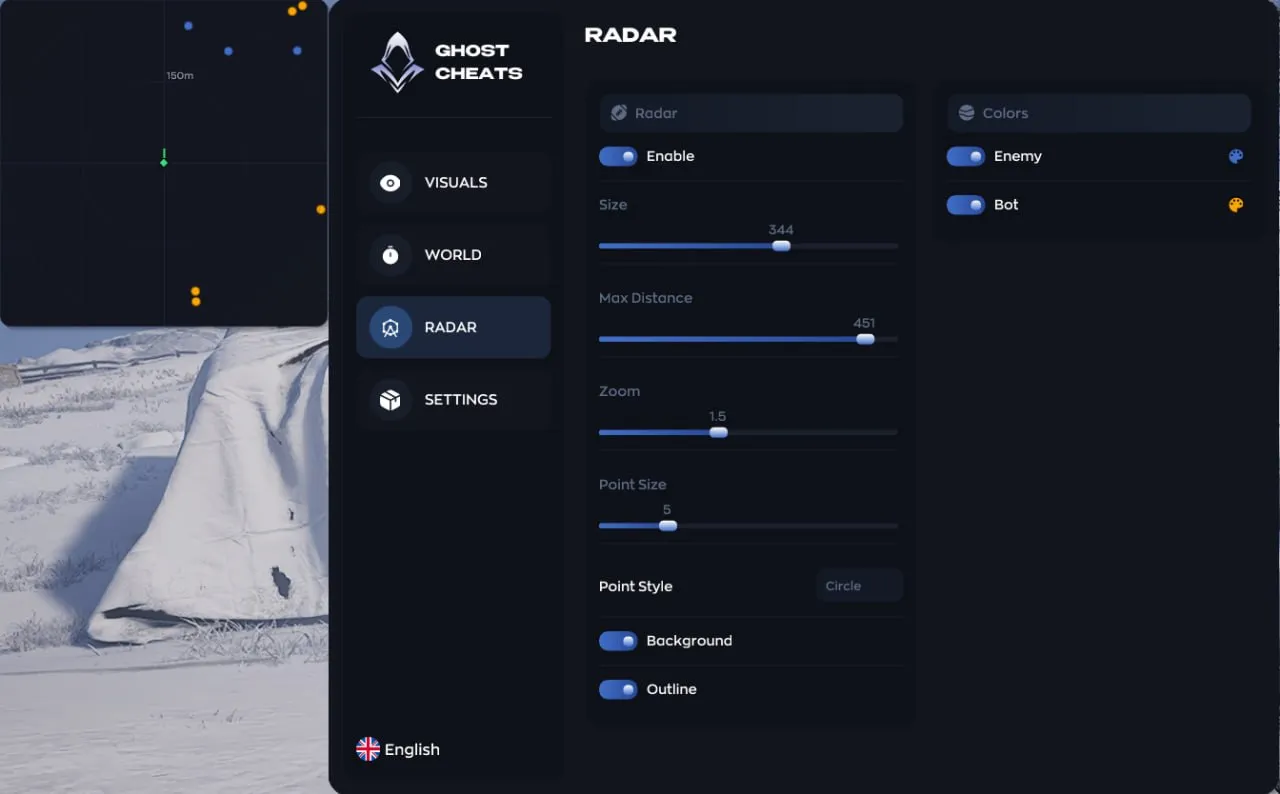
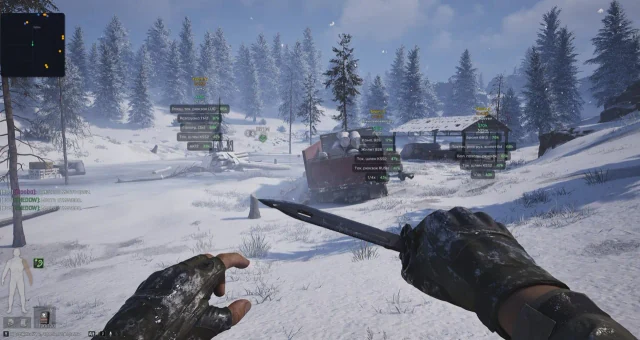
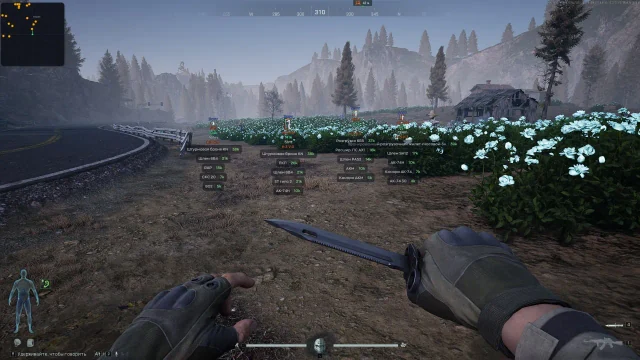
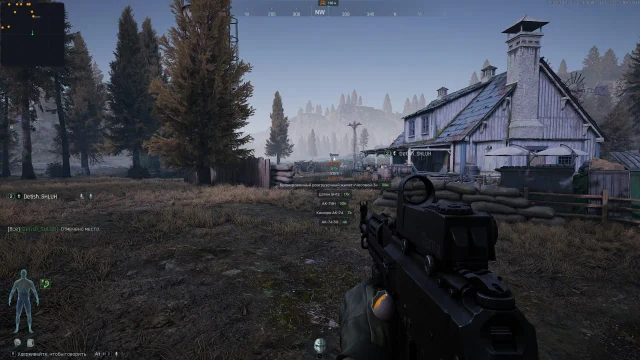
Ghost Arena Breakout ESP focuses on players, bots, corpses and loot. Display health, armor, level, weapon, distance, inventory contents and item values, with Party information, rarity filters and saved configurations.
Ghost · Cheats
License plans
- 1 days — $4.56 USD · Currently unavailable
- 7 days — $22.81 USD · Currently unavailable
- 30 days — $39.91 USD · Currently unavailable
Product features
Visuals
- — Boxing
- — The skeleton
- — Name
- — Level
- — Weapons
- — Distance
- — Armor
- — Display of the opponent's health and inventory
- — The price of the drop / party
Loot
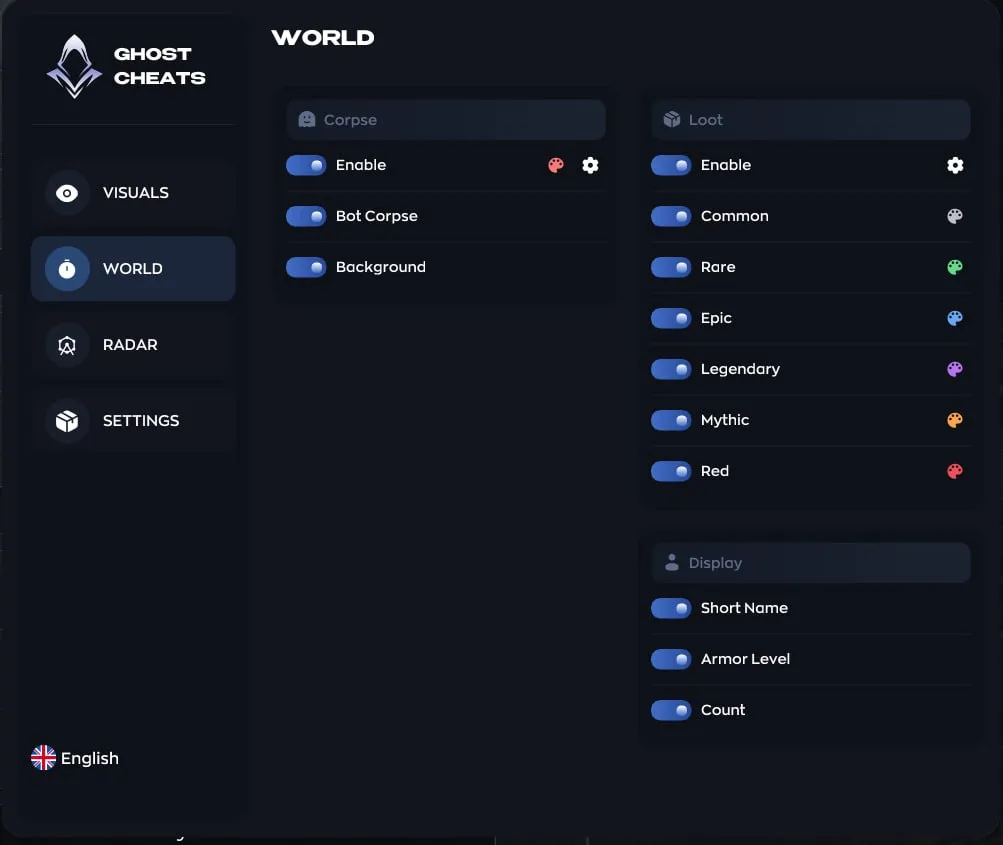
- — Filter by rarity: common → legendary → mythical → red
- — Names of objects
- — Showing the armor
Misc
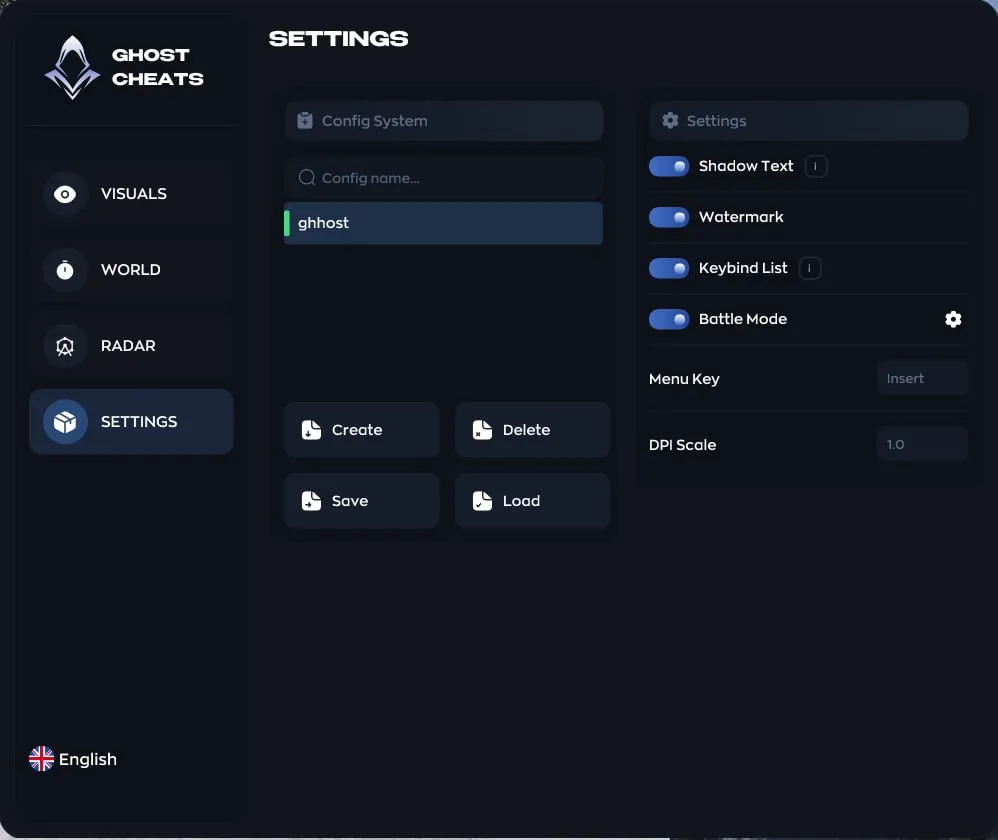
- — Menu key (Insert), DPI Scale
- — Create / delete / save / load configs
- — Watermark
- — A list of bindings
System requirements
- Processor
- Intel / AMD
- Game client
- Steam / ABI Launcher
- Operating system
- Windows 10 / 11 (1903-25H2)
- Game display mode
- Windowed / Borderless
Product screenshots
About Ghost Arena Breakout ESP
Which clients and Windows versions support Ghost ABI ESP?
Ghost Arena Breakout ESP lists Intel or AMD, Windows 10/11 versions 1903-25H2, and windowed or borderless mode. The structured client field names Steam and the ABI Launcher. An older FAQ also names Epic Games, but that client is not confirmed by the current requirements.
Which opponent details does Ghost’s ESP version display?
Ghost ABI ESP displays players, bots and corpses. Its visual features list boxes, skeletons, names, levels, weapons, distance, armor, health and enemy inventories. Drop values and Party information are also displayed to help identify team relationships.
How does Ghost ABI ESP filter loot by rarity?
Ghost Arena Breakout ESP offers rarity filtering from common items through legendary, mythic and red items. Item names and armor can be displayed to highlight the loot categories you need.
How do you manage Ghost ESP’s menu and configurations?
Ghost ABI ESP’s menu opens with Insert, and DPI Scale controls interface scaling. You can create, delete, save and load configurations, with a watermark and keybind list also available.
How do you receive Ghost Arena Breakout ESP and contact support?
The source describes a key, software or loader and instructions. VEIL purchasing, fulfilment, payment and support details for Ghost Arena Breakout ESP are pending integration. The source seller's delivery times, support hours and fee terms are not confirmed VEIL services.
Choosing Ghost Arena Breakout ESP
Ghost Arena Breakout ESP lists players, bots, corpses, inventory information and loot values. These information tools distinguish the edition from the broader Ghost Internal package and the historical Legit edition. Review which objects and item details are shown, then check the requirements and current status before selecting your license.